
 Email: sales@slxytech.com
 WhatsApp / Wechat:8617062388866
 Phone:+86 17062388866
Description
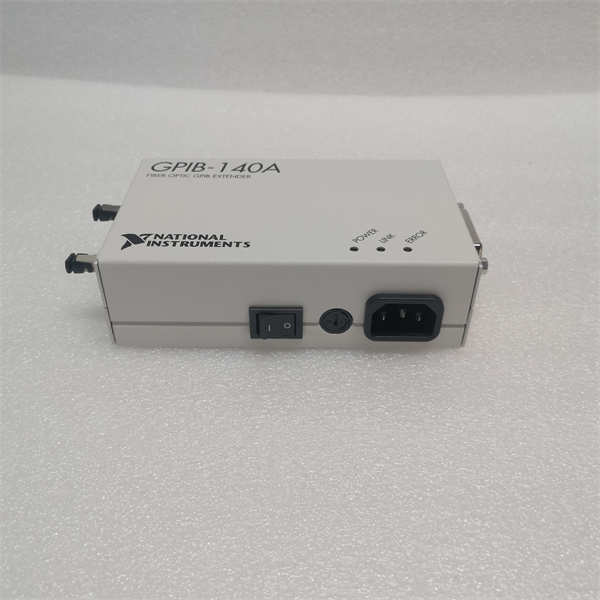
The NI GPIB-140A is a high-performance IEEE 488 (GPIB) interface module developed by National Instruments for industrial and laboratory automation systems. Designed to bridge legacy test equipment with modern computing platforms, this GPIB-140A module enables seamless communication between GPIB-enabled instruments (oscilloscopes, analyzers, power supplies) and host computers via PCI bus connectivity. As a cornerstone of NI’s measurement and control ecosystem, it supports full IEEE 488.2 command sets with advanced controller capabilities, allowing users to automate complex test sequences in R&D, manufacturing validation, and calibration labs. The NI GPIB-140A delivers robust data transfer rates up to 1.5 MB/s using DMA technology, minimizing CPU overhead while ensuring reliable instrument control. Its hardware-level signal conditioning eliminates ground loop issues and electrical noise interference common in industrial environments. Compatible with LabVIEW, C, and Python, this interface module serves as a critical enabler for upgrading vintage equipment into modern automated test stands.
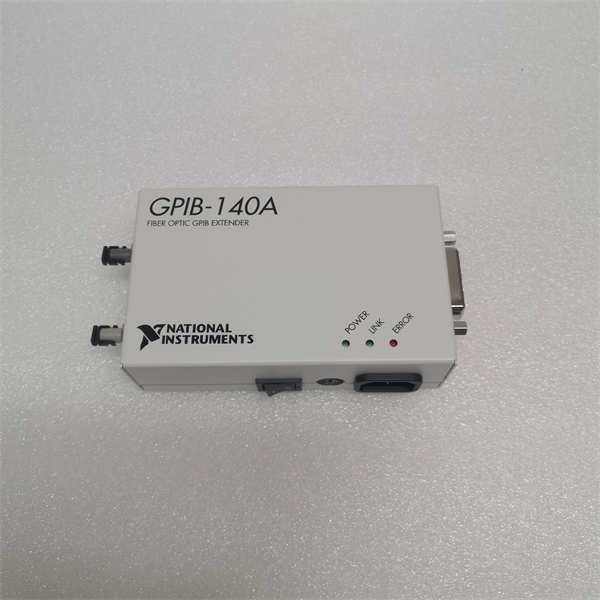
NI GPIB-140A
Technical Specifications
| Parameter Name | Parameter Value |
| Product Model | GPIB-140A |
| Manufacturer | National Instruments (NI) |
| Product Type | GPIB-to-PCI Interface Controller |
| Bus Interface | 32-bit PCI 2.2 (5V/3.3V universal) |
| GPIB Standard | IEEE 488.1 & 488.2 compliant |
| Data Transfer Rate | 1.5 MB/s (burst DMA mode) |
| GPIB Connectors | 24-pin stacked micro-D (front panel) |
| Controller Functions | Source Handshake, Acceptor Handshake, Talker/Listener |
| Cable Length Support | Up to 20m (4 devices per meter) |
| Interrupt Support | PCI IRQ sharing |
| Driver Compatibility | NI-488.2 (Windows/Linux) |
| Operating Temp | 0°C to 55°C (32°F to 131°F) |
| Power Consumption | 1.5A @ +5VDC |
| Termination Resistance | 330 Ω ±10% (per GPIB spec) |
| Warranty | 3 years |
Main Features and Advantages
Legacy Instrument Integration: The GPIB-140A breathes new life into IEEE 488 instruments by enabling PCI-based control, avoiding costly equipment replacements. Its hardware-level protocol handling offloads timing-critical operations from the host CPU.
High-Speed Data Streaming: Advanced DMA architecture achieves sustained 1.5 MB/s transfers – critical for capturing waveform data from oscilloscopes or spectrum analyzers without buffer overruns.
Intelligent Signal Conditioning: Active line drivers with ±15kV ESD protection eliminate signal degradation in electrically noisy environments. Automatic cable-length compensation ensures signal integrity across 20m daisy chains.
Seamless Software Integration: Native LabVIEW drivers and NI-488.2 API support simplify application development. The GPIB-140A appears as a virtual COM port in Windows for legacy software compatibility.
Robust Control Capabilities: Full system controller functionality manages up to 14 instruments simultaneously, handling SRQ (service requests) and parallel polling with microsecond timing precision.
Application Field
The NI GPIB-140A is indispensable in environments where vintage GPIB instruments require integration with modern automation systems. Semiconductor fabs use it to automate wafer probe stations and parametric testers for process validation. Aerospace test cells deploy the GPIB-140A to control legacy avionics test racks during component certification. Calibration laboratories leverage its precision timing for synchronizing multimeter calibrations against reference standards. In automotive manufacturing, it integrates engine dynamometer controls with data acquisition systems. Research facilities utilize it for automating spectroscopy equipment in material analysis. The module’s Linux compatibility makes it ideal for embedded test systems in military/aerospace applications requiring POSIX compliance.
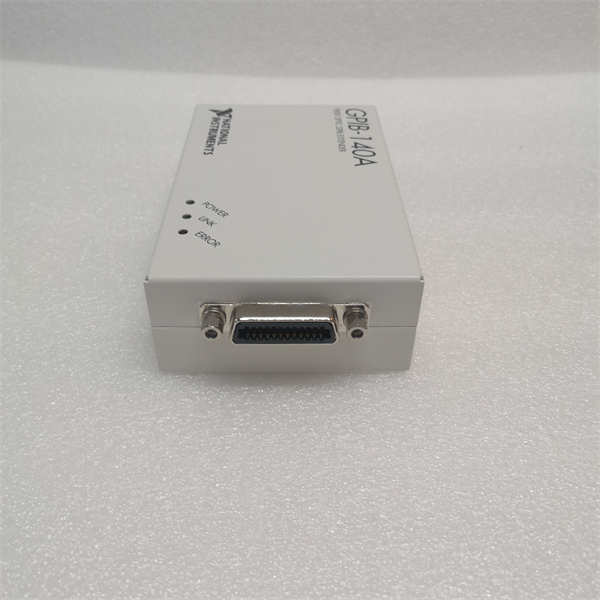
NI GPIB-140A
Related Products
NI PCI-GPIB+: Enhanced PCIe version with 8 MB/s transfer rate
NI GPIB-140B: Updated model with ESD-hardened connectors
NI USB-GPIB-HS: USB 2.0 to GPIB converter for mobile applications
NI GPIB-1200 ISA Bus Controller (legacy)
GPIB-CBL-1.0m: Shielded IEEE 488 cables with molded connectors
NI PXI-GPIB: PXI module for modular test systems
NI 1488GPIB-100: Termination adapter for bus end-points
SCB-68A: Screw-terminal GPIB breakout box
Installation and Maintenance
Pre-installation preparation: Power off the host computer and ground yourself. Verify available PCI slot (5V/3.3V compatible). Install NI-488.2 drivers before hardware insertion. Configure termination (always install GPIB-140A as last device in chain with NI 1488GPIB-100 terminator).
Maintenance recommendations: Clean connectors annually with electronic contact cleaner. Monitor PCI slot temperature in high-utilization systems. Avoid hot-plugging GPIB cables. Replace fan filters if host chassis uses forced air cooling. Verify driver updates through NI MAX configuration utility.